Are you tired of your travel videos looking amateur while everyone else seems to have that professional cinematic magic? Here's the game-changer: you don't need a $5,000 camera setup to create viral-worthy content. Your smartphone is already a powerhouse capable of producing Hollywood-level footage – you just need to know the right tricks.
The secret isn't expensive gear. It's mastering five core techniques that transform ordinary phone footage into scroll-stopping content. Ready to turn your travel memories into engagement gold? Let's dive into the exact strategies that top creators use to rack up millions of views.
🎬 Master These 4 Cinematic Movements That Scream "Professional"
Stop randomly moving your phone around! The difference between amateur and cinematic footage comes down to intentional, smooth movements. Here are the four movements that will instantly elevate your content:
Push In & Pull Out
- Push In: Slowly move your phone toward your subject
- Pull Out: Gradually move away from your focal point
- Pro Tip: Start wide to establish location, then push in to reveal details
- Perfect For: Showcasing food, architecture, or dramatic landscape reveals
Jib Movements
- Start low and slowly raise your camera upward
- Golden Moment: Capture this as someone walks by for dynamic storytelling
- Creates that "rising action" feeling viewers crave
- Works Best: Introducing new locations or revealing tall structures
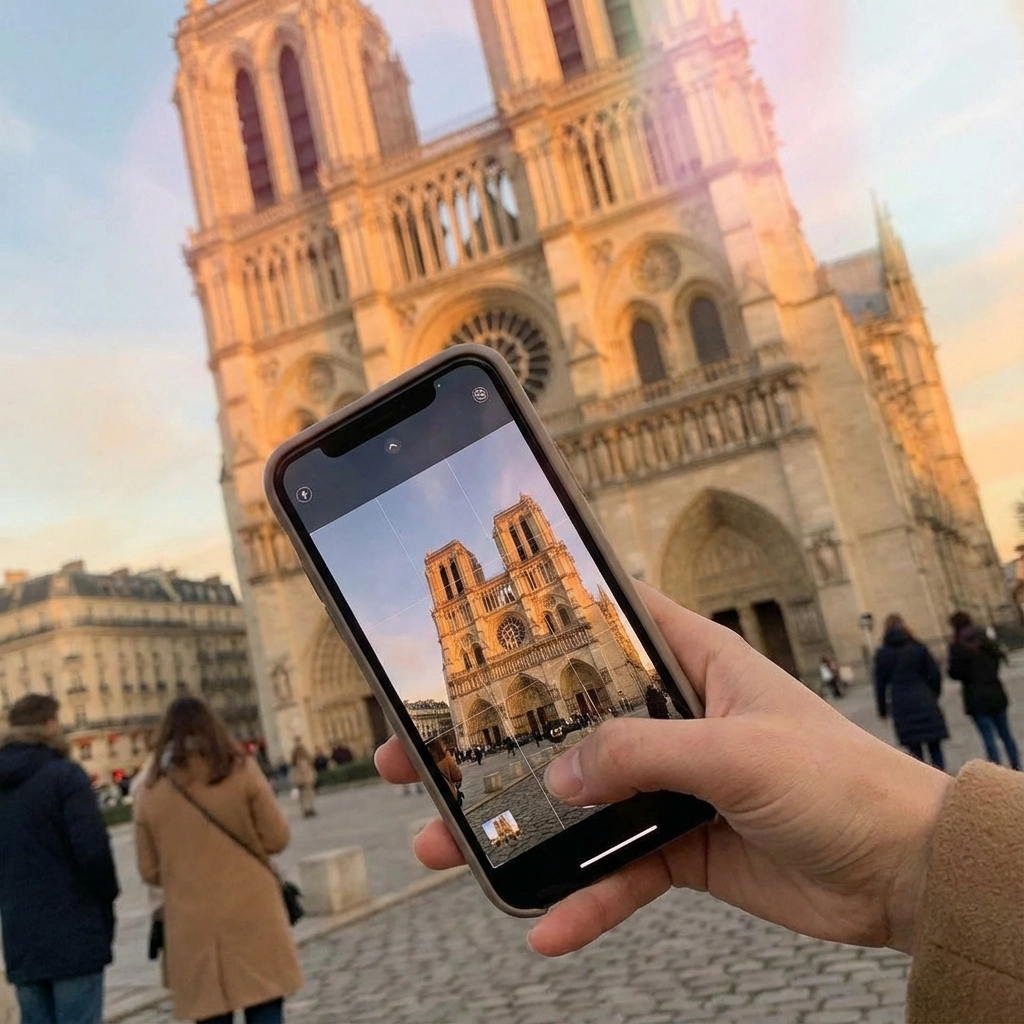
Truck Movements
- Slide your camera left to right (or vice versa) – don't pan!
- Key Difference: You're moving the camera position, not just rotating it
- Adds depth and dimension to flat landscapes
- Viral Hack: Use this technique while walking along coastlines or city streets
Whip Pans
- Quickly "whip" your camera to follow moving subjects
- Perfect For: Bikes, cars, boats, or people in motion
- Creates dynamic transitions between scenes
- Pro Secret: End on a stable shot for maximum impact
Remember: Shoot separate clips for each movement. Don't combine multiple movements in one shot – that's what screams "amateur hour."
⚙️ Camera Settings That Separate Pros from Everyone Else
Your phone's default settings aren't optimized for cinematic content. Here's exactly what to change:
Frame Rate is Everything
- 24 fps: Your go-to for that cinematic film look
- 60 fps: Use for slow-motion sequences and action shots
- 120 fps: Reserved for dramatic slow-mo reveals
- Low Light Hack: Drop to 24 fps to let more light hit your sensor
Essential Settings to Enable Right Now
✅ Grid Lines: Follow the rule of thirds automatically
✅ Exposure Lock: Tap and hold to lock focus where YOU want it
✅ Cinematic Mode: iPhone 13+ and Samsung S23 Ultra users, this is your secret weapon
✅ Manual White Balance: Avoid that ugly color shifting between shots
Game-Changing Tip: Lock your exposure before hitting record. Your phone's auto-settings will ruin your cinematic consistency.
💡 Lighting Hacks That Cost Zero Dollars
Natural light is your best friend – and it's completely free. Here's how to use it like a pro:
Golden Hour Magic
- Shoot 1 hour after sunrise or 1 hour before sunset
- Why It Works: Soft, warm light that makes everything look expensive
- Bonus: Dramatic shadows add depth to your compositions
Overcast Day Advantage
- Cloudy skies = natural softbox lighting
- No harsh shadows or blown-out highlights
- Perfect For: Close-up shots and people-focused content
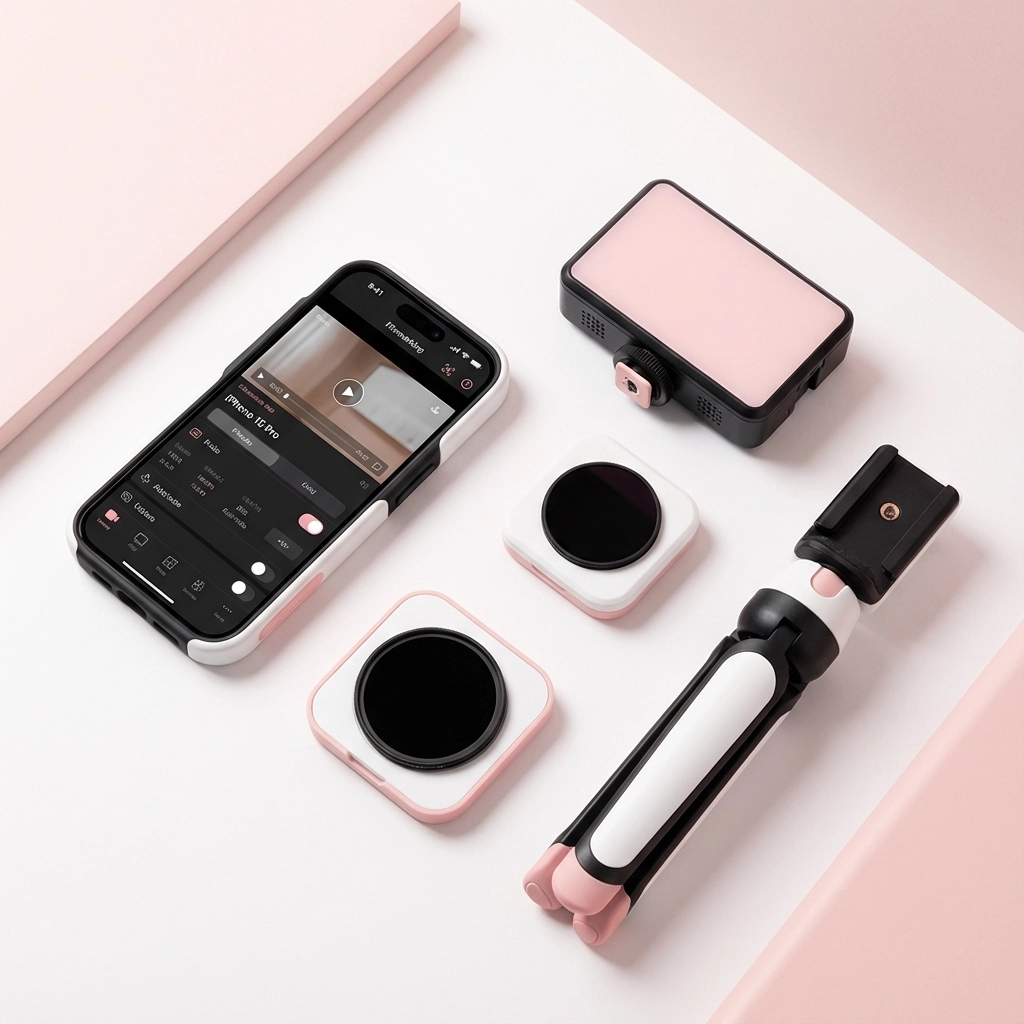
Emergency Lighting Solutions
- Friend's Phone Flashlight: Better than your camera's built-in flash
- Lume Cube: Portable, app-controlled light for serious creators
- Reflector Hack: Use a white t-shirt or menu to bounce light onto faces
Pro Secret: If you invest in ONE accessory, make it an ND filter. This cuts light reaching your sensor, allowing slower shutter speeds for natural motion blur – the hallmark of cinematic footage.
🎯 The 15-Second Rule That Guarantees Viral Potential
Keep every single clip under 15 seconds. This isn't just for TikTok – it's for viewer psychology. Here's why this works:
- Attention Span Reality: Viewers decide in 3 seconds whether to keep watching
- Editing Flexibility: Short clips give you infinite remix possibilities
- Algorithm Love: Platforms favor content that keeps viewers engaged
- Professional Polish: Each clip becomes a "moment" rather than random footage
What Makes a Clip Worth Keeping:
✅ One clear focal point per shot
✅ Interesting angle (not just eye level)
✅ Movement or action happening
✅ Good lighting and stable footage
✅ Audio that adds to the story
Viral Hack: Shoot 3x more clips than you think you need. You'll thank yourself during editing when you have options.
📱 Mobile Editing Apps That Rival Desktop Software
You don't need a computer to create professional-grade content. These apps will transform your raw footage:
For Beginners:
- CapCut: Free, intuitive, with trending templates
- InShot: Perfect for quick social media edits
- Splice: User-friendly with professional transitions
For Advanced Creators:
- LumaFusion: Desktop-level editing on mobile
- Adobe Premiere Rush: Seamless sync across devices
- DaVinci Resolve Mobile: Hollywood-grade color correction
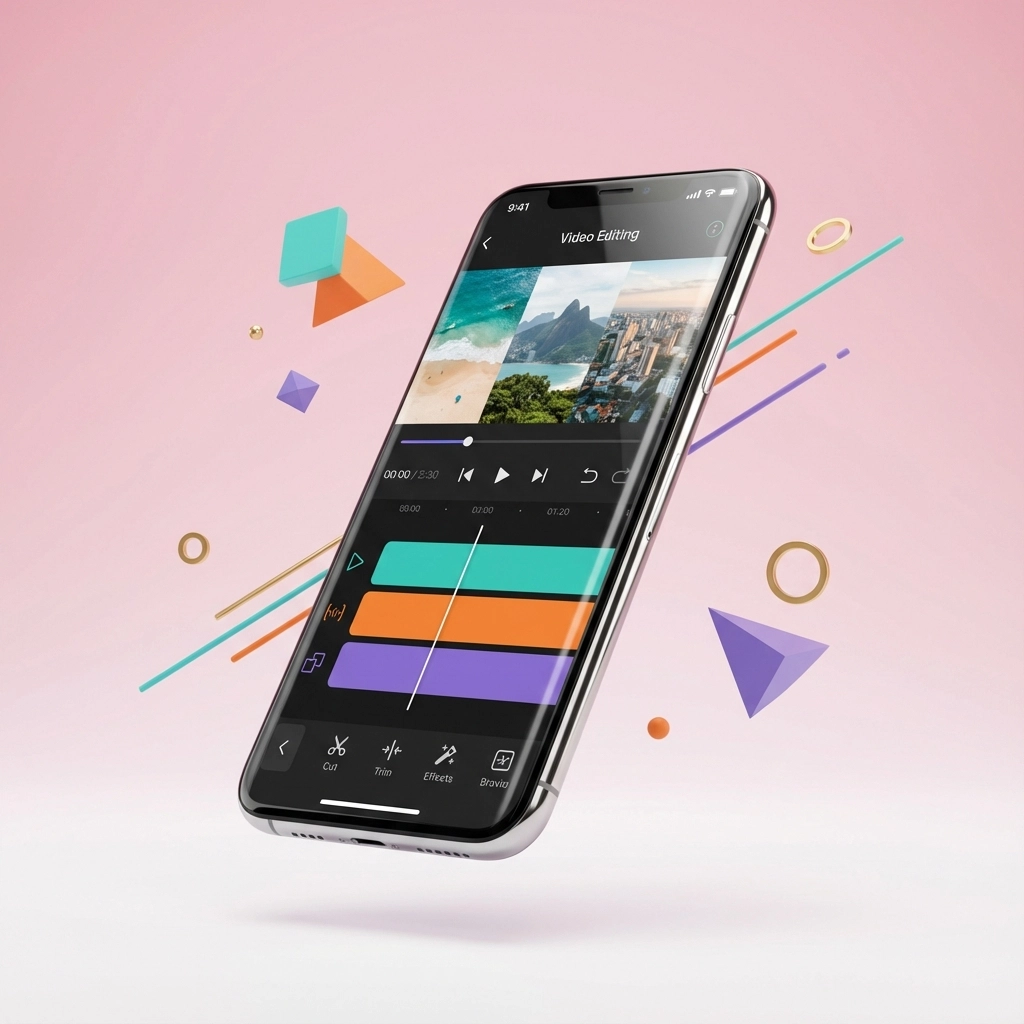
Pro Editing Secrets:
- Jump Cuts: Don't let clips drag – cut to the action
- Color Consistency: Match the mood across all clips
- Audio Layers: Add ambient sound, music, and clear dialogue
- Export Quality: 15 megabits per second for short videos
🎵 Audio That Makes Viewers Turn Up the Volume
Bad audio kills great visuals every time. Here's how to nail it:
Recording Clean Audio:
- Get close to your subject when possible
- Shield your microphone from wind with your hand
- Record room tone (ambient sound) for editing flexibility
- Wireless Mic Hack: Use AirPods as a wireless mic system
Sound Design for Viral Content:
- Ambient Audio: Ocean waves, city sounds, restaurant chatter
- Music Selection: Match energy to your content's mood
- Voice-Over: Clear, enthusiastic narration beats shaky on-location audio
- Sound Effects: Whooshes for transitions, impacts for reveals
Algorithm Boost: Videos with clear, engaging audio get 70% more completion rates than those with poor sound quality.
🚀 Platform-Specific Secrets for Maximum Reach
Different platforms reward different content styles. Here's how to optimize for each:
TikTok Success Formula:
- Vertical format (9:16)
- Hook viewers in first 3 seconds
- Quick cuts and dynamic movement
- Trending audio increases discoverability
Instagram Reel Optimization:
- Mix of vertical and square formats
- Story-driven content performs best
- Use location tags and trending hashtags
- Cross-post to Feed and Stories
YouTube Shorts Strategy:
- Focus on educational or entertaining value
- Clear thumbnails even in short format
- Encourage comments with questions
- End with a call-to-action for longer content
Multi-Platform Hack: Create one master video, then adapt it for each platform's unique requirements and audience expectations.
📈 Turn Your Phone Videos Into Brand Deal Magnets
Want to fast-track your journey from hobbyist to sponsored creator? Your cinematic phone videos are the golden ticket to brand partnerships. Tourism boards, hotels, and travel gear companies are actively seeking creators who can produce professional-looking content without massive production budgets.
The brands want proof that you can make their products and destinations look irresistible. When you master these phone filming techniques, you're speaking their language – high-quality content that converts viewers into customers.
At Travel Influencer Media Kit, we've seen creators land their first brand deals within months of implementing these exact strategies. The secret? Consistency in applying these professional techniques across all your content.
Ready to Take Your Travel Content to the Next Level?
These phone filming techniques are just the beginning. To build a complete creator business that attracts sponsorships and generates real income, you need the full blueprint.
Download our FREE Travel Media Guide and discover:
- The exact pitch templates that land brand deals
- Rate sheets that get you paid what you're worth
- Content planning strategies that keep brands coming back
- Legal contracts that protect your creative work
Your phone is already capable of creating million-view content. Now it's time to turn those views into a thriving creator business.
[Download Your Free Travel Media Guide Here →]
Ready to transform your travel passion into profit? Your cinematic journey starts with that phone in your pocket.